Pick a time that works for you – we'll take care of the rest.
To display the appointment booking tool, we need your consent to use preference cookies.
Frequently Asked Questions
Everything you need to know about PlaceAlive Cards, Apple Wallet and Google Wallet.
Do customers need to download an app?
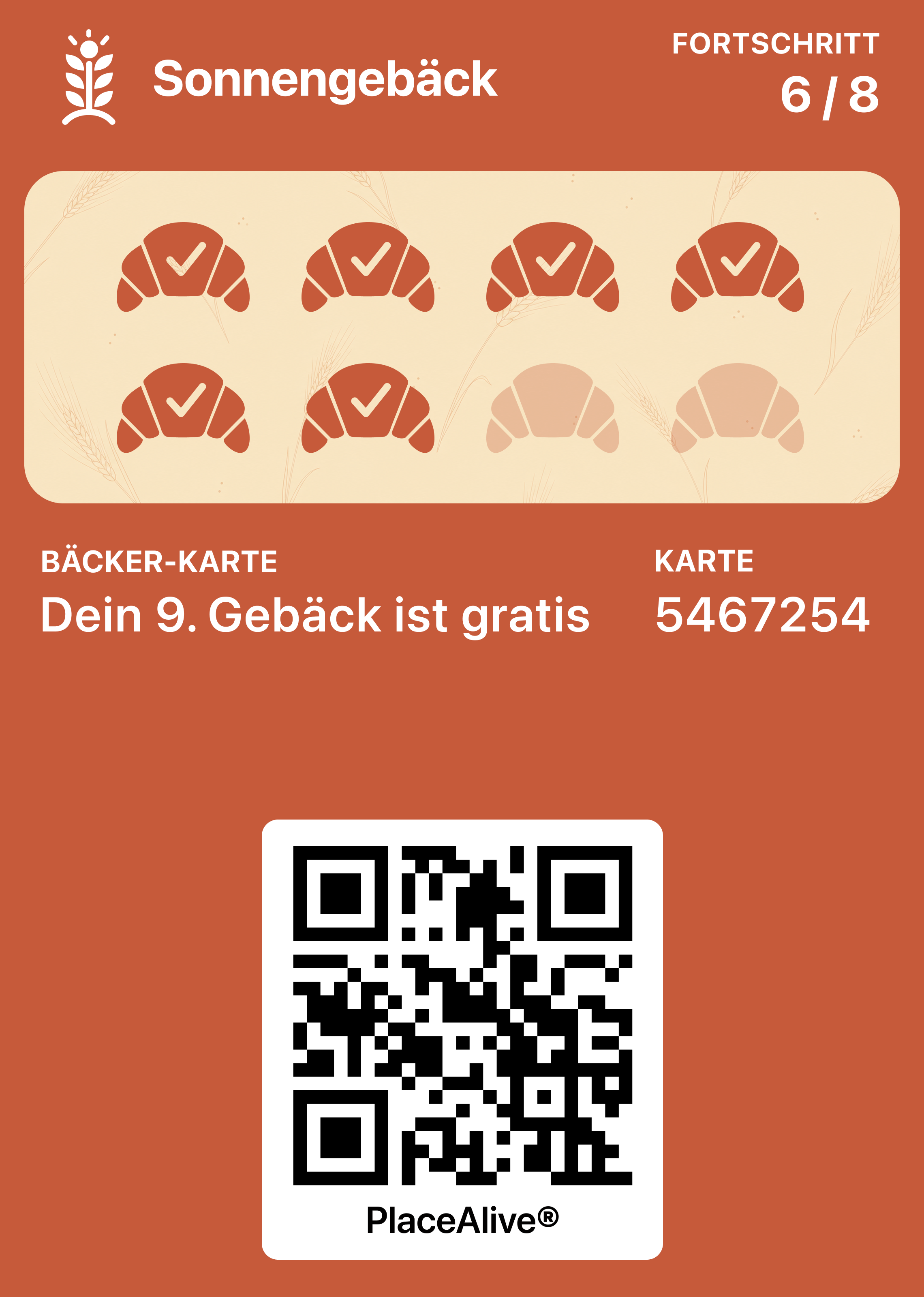
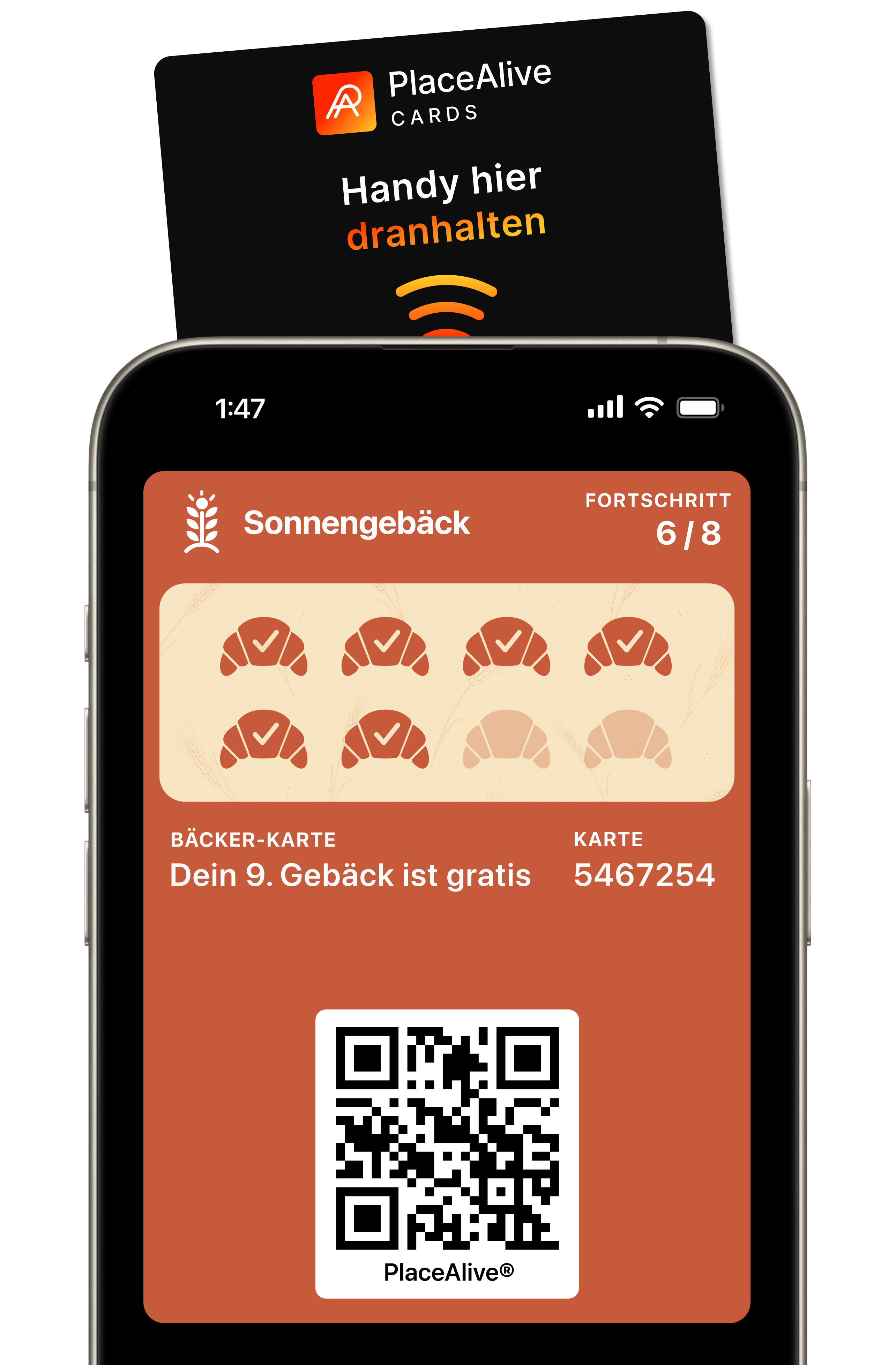
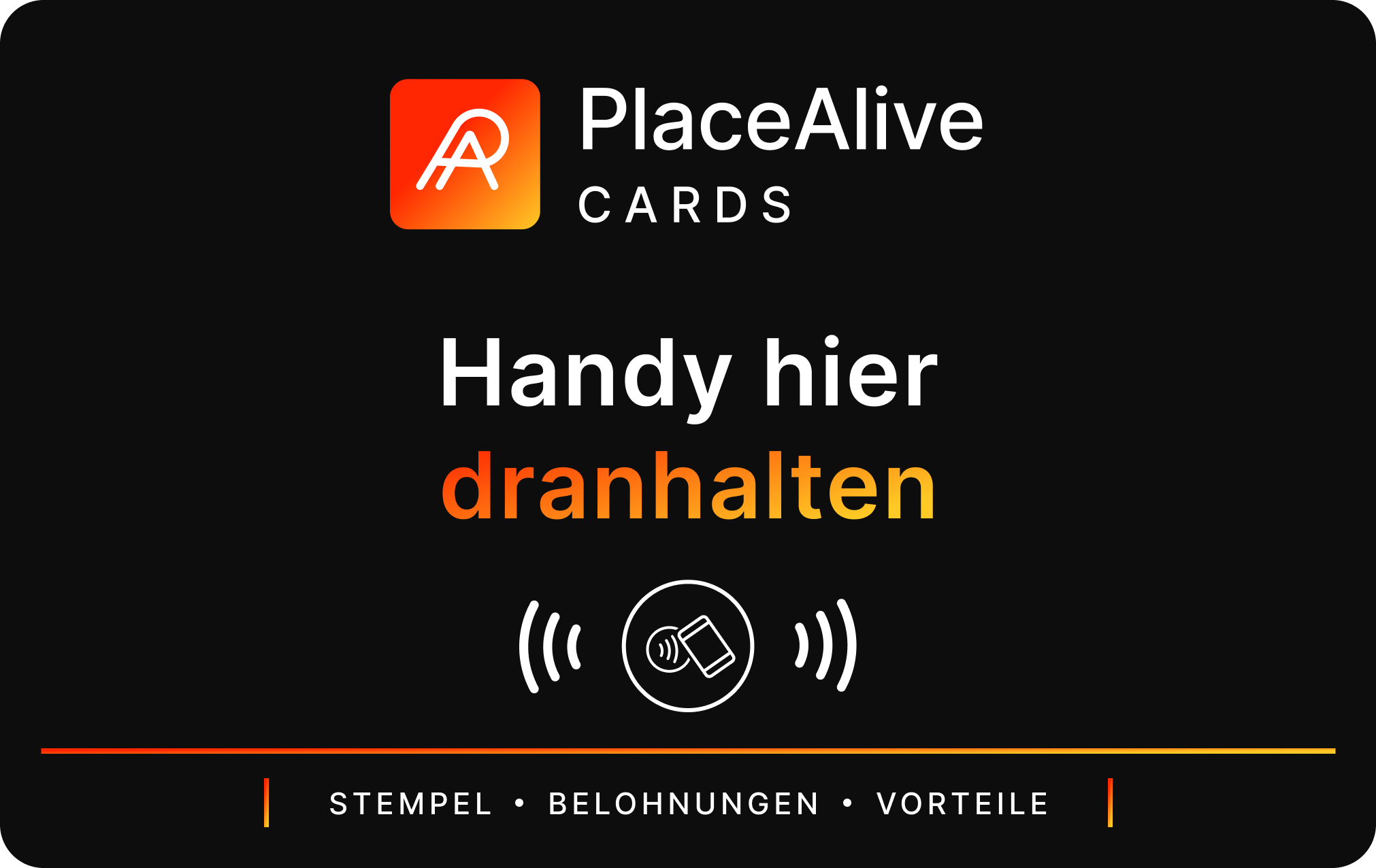
No. Customers can save their PlaceAlive Card directly to their Apple Wallet or Google Wallet on their smartphones by scanning a QR code or tapping a NFC tag. No app download, registration or account creation is required.
How do customers collect stamps and rewards?
Customers simply show their PlaceAlive Card at checkout. Your team can scan it using the PlaceAlive app to add stamps, redeem rewards and update loyalty status in real time. The customer’s card is updated instantly.
Can I send notifications to customers?
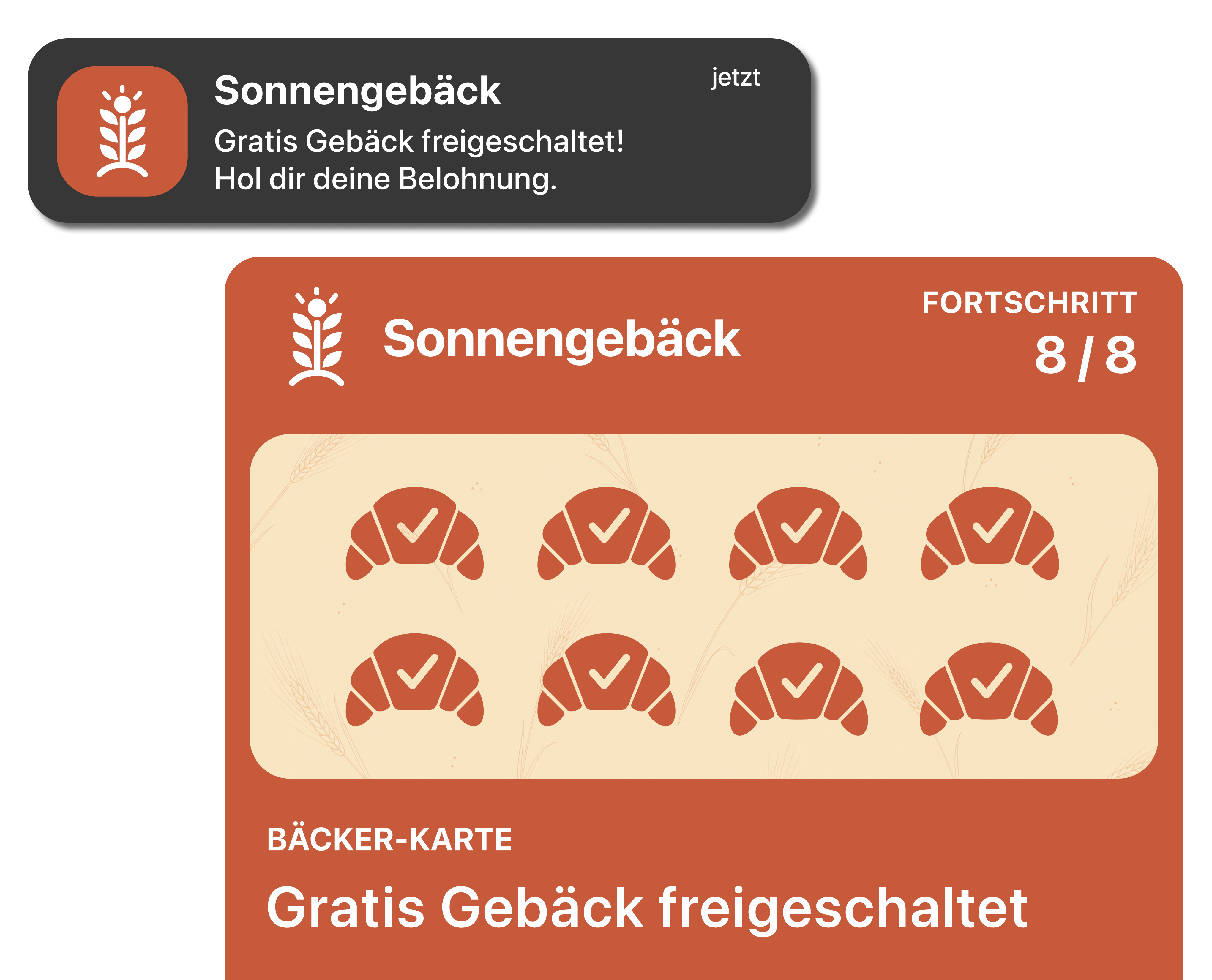
Yes. Premium subscribers can send one Wallet notification per week to all customers with a PlaceAlive Card. Whether you’re promoting a special offer, announcing an event or highlighting a reward, your message appears directly through Apple Wallet and Google Wallet.
Is PlaceAlive Cards a standalone product?
PlaceAlive Cards work great on their own, but they’re also part of the wider PlaceAlive platform. This allows you to start with digital loyalty cards and unlock additional customer engagement, memberships and experiences as your business grows.
How do you prevent fraud?
Only authorized team members can scan PlaceAlive Cards and issue stamps or rewards. Every scan is linked to a staff account, helping prevent unauthorized activity and ensuring loyalty progress remains accurate.